Learn about everything from Viamericas with the resource center for our ViaOne products and services.
To make check deposits, we have 2 options:
1.) Check deposits by customer
Step 1:
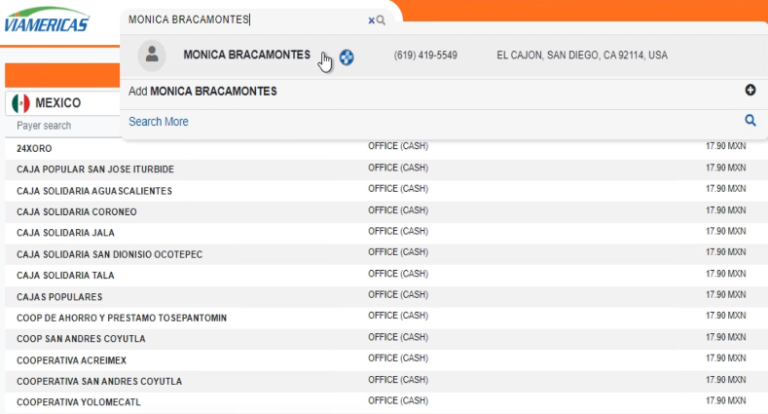
Once inside the ViaOne system, we will click on the customer search bar and select the sender’s profile.
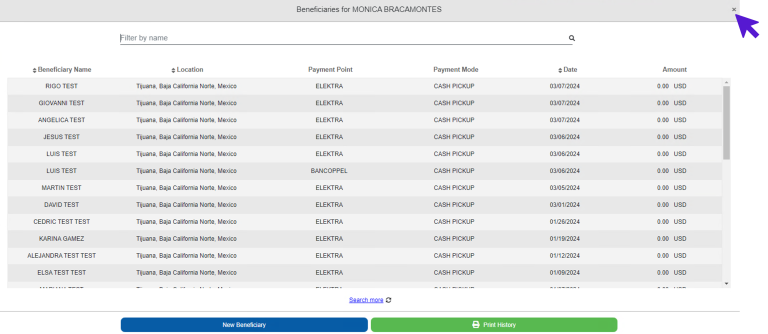
Next, we will proceed to close their beneficiary schedule and switch to the checks option.
Step 2:
We will select the “accept” button, which confirms that the checks will be deposited in the name of the previously selected customer.
Then, we will click on the “scan” button and start placing the checks in the scanner.
Step 3:
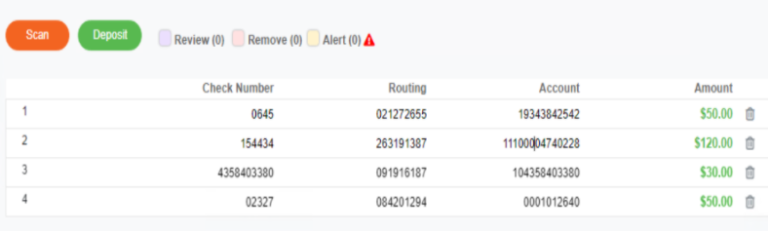
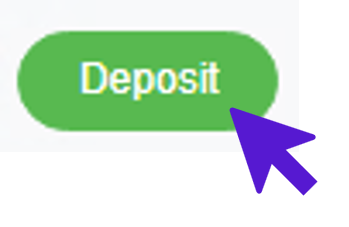
Finally, we will verify that we don’t have any checks to review, remove, or with an alert. If necessary, we will edit any data such as check number, routing number, account, or amount by clicking on the field we wish to edit and making the change. After verifying that all the information is correct, we will click the deposit button to complete the deposit.
2.) Batch check deposits
Step 1:
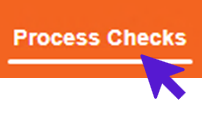
Once inside the ViaOne system, we will access the “Process Checks” option.
Step 2:
Then, we will click on the “scan” button and start placing the checks in the scanner.
Step 3:
Finally, we will verify that we don’t have any checks to review, remove, or with an alert. If necessary, we will edit any data such as check number, routing number, account, or amount by clicking on the field we wish to edit and making the change. After verifying that all the information is correct, we will click the deposit button to complete the deposit.
Remember to verify that all data is correct before saving. Good luck!