Conozca todo sobre Viamericas con el centro de recursos para nuestros productos y servicios ViaOne.
Step 1: Find a maker lookup
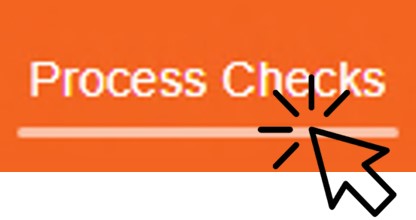
Access the check processing menu.
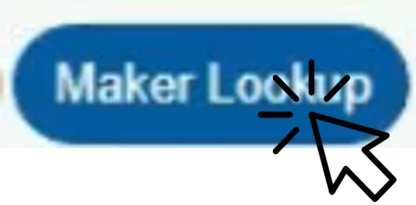
Click on the maker lookup button.
Step 2: Verify data
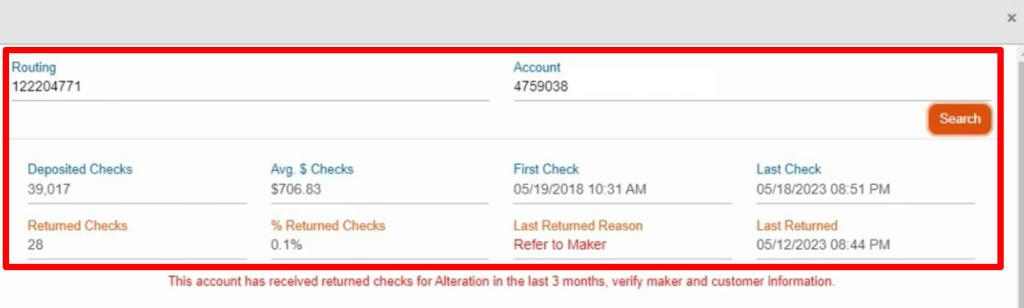
Enter the 9-digit routing number.
Enter the account number.
Click the search button to view the information we have in our database for this sender.
Step 3: Alert Signals
Date of last processed check, average amount processed per check, percentage of checks returned, reason for last return, and date of last returned check.
Step 4: Verify the check
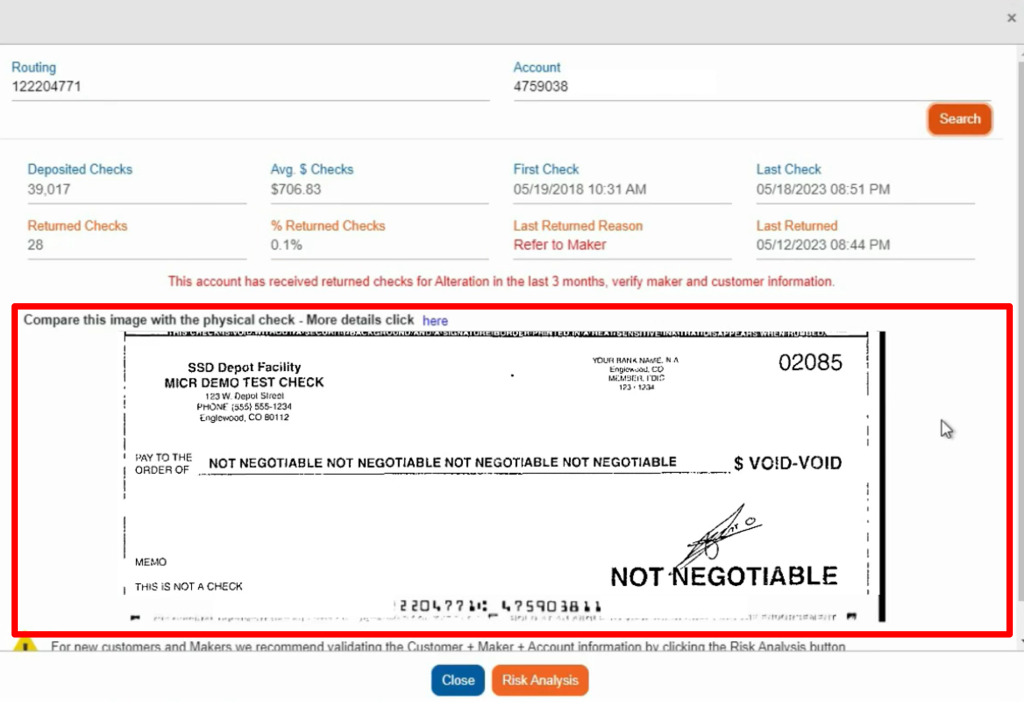
At the bottom of the page, a check previously accepted by our bank will be displayed for comparison with the check given to you by your customer.
The fields to be compared are the signature, address, phone number, maker logo, and validation of the bank name and logo.
Verify the font type and size of the check, the location of the information, and the security measures described on the front and back of the check.
Step 5: Exit or get more Information
To exit this option, click the close button.
If you want to perform a more detailed analysis, click the risk analysis option.