Skip to content
Navigation Menu
Navigation Menu
Search for...
Cart
0
How to view the check report?
Learn about everything from Viamericas with the resource center for our ViaOne products and services.
Step 1: Enter check report
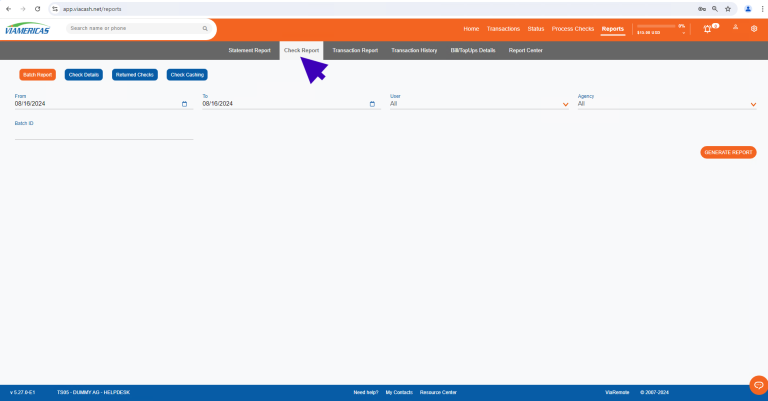
Once inside the ViaOne system, we will click on the reports option and enter the check report section.
Step 2: Select search filter and generate report
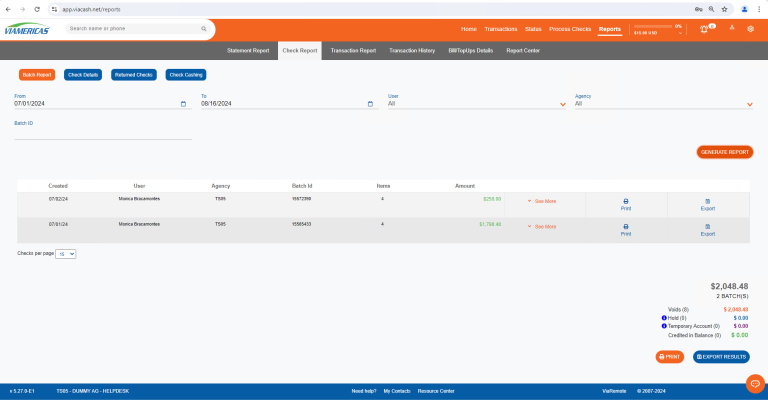
After entering the check report section, we will select the filters for the information we want to find.
Whether it is batch report,
check details, returned checks, or check cashing.
We will then click on the “Generate Report” button to view the information.
Remember to verify that all data is correct. Good luck!